SignalDesk

Invite-only beta

Every client’s social media,
in one calm place.

Plan, approve, and publish to Facebook, Instagram, Threads, LinkedIn, Pinterest, X, YouTube, and TikTok, then see what’s working across all of it. Built for agencies and freelancers who manage more than one brand.
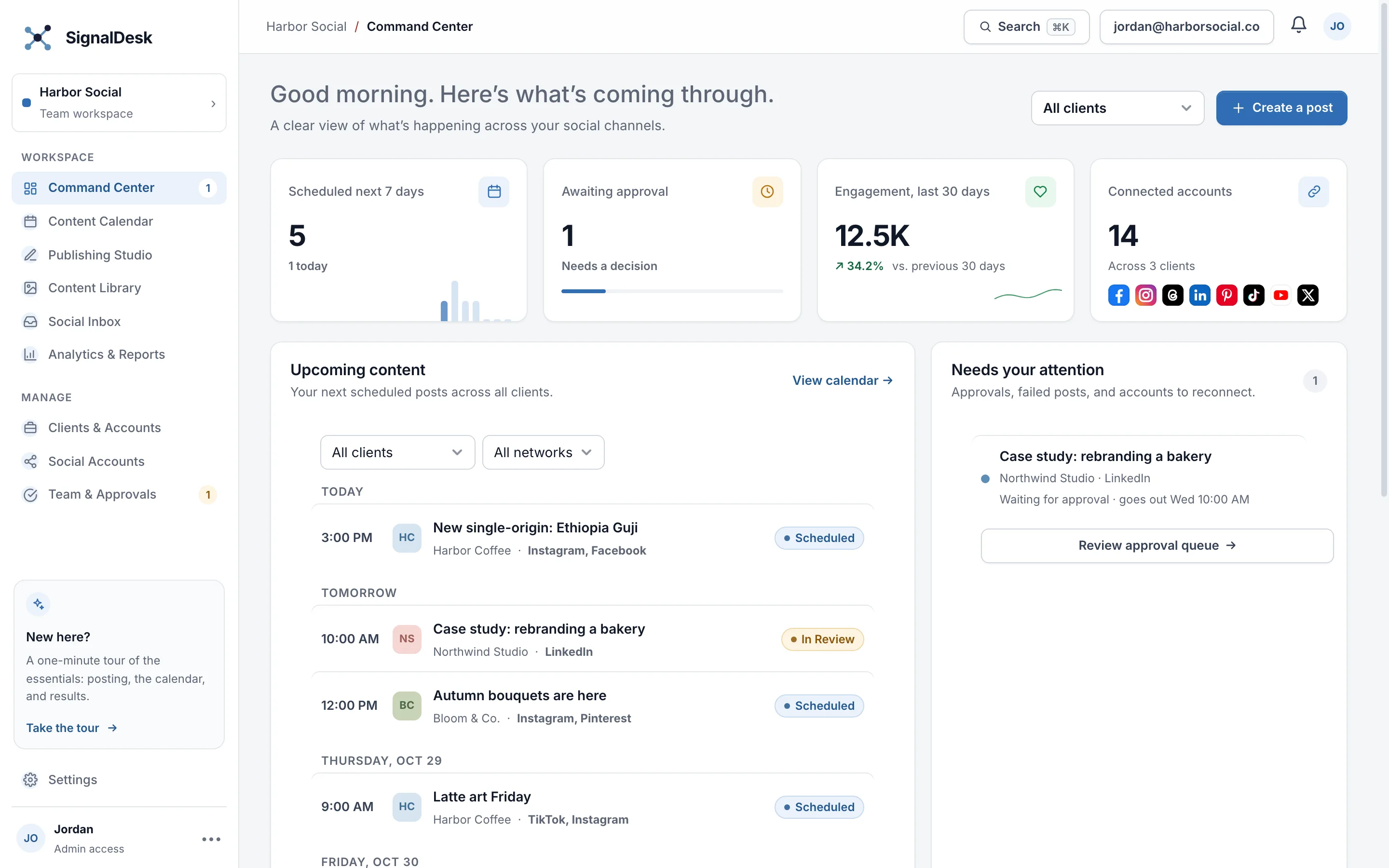
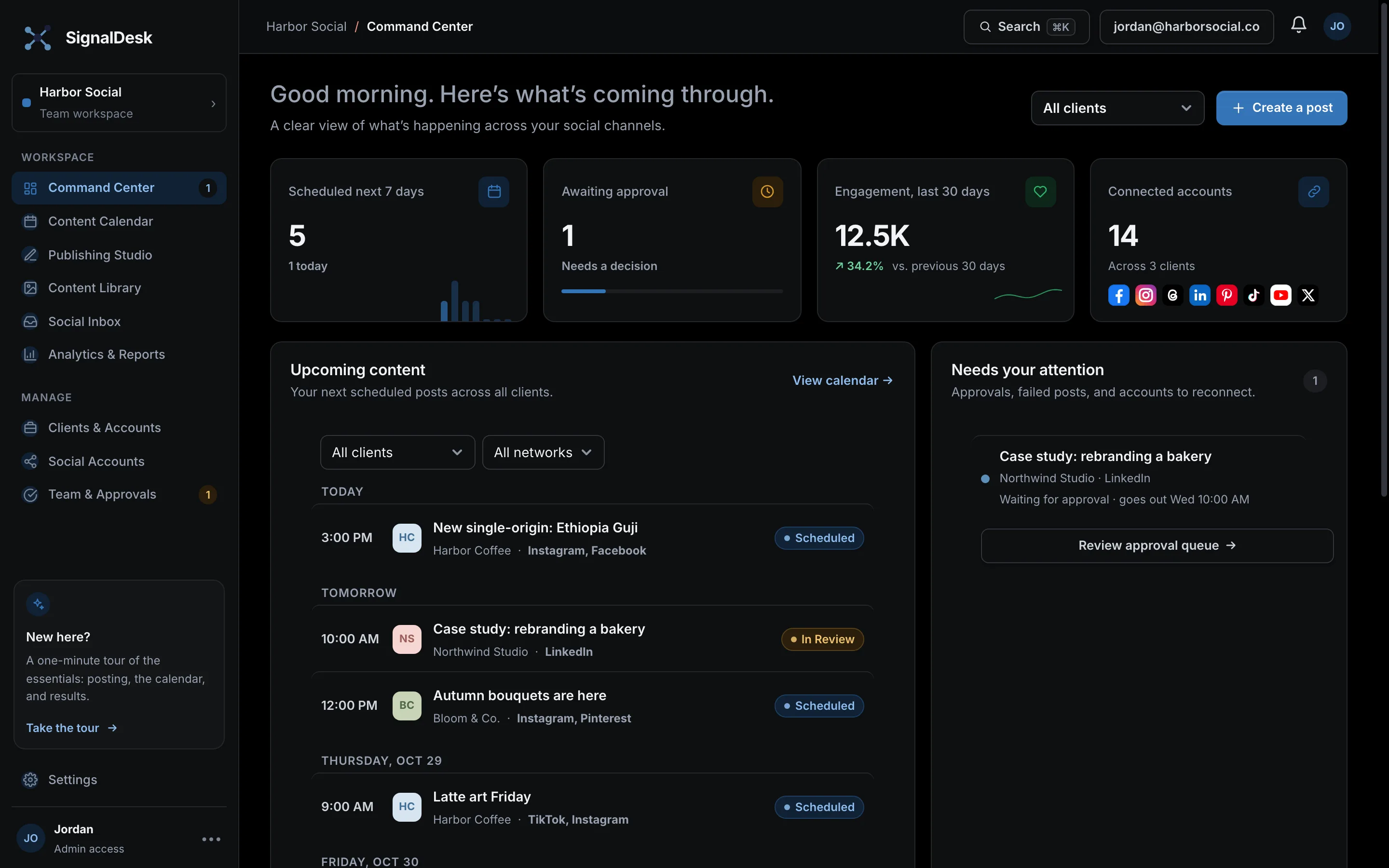
The SignalDesk Command Center: scheduled posts, approvals, engagement, and connected accounts for several clients

Publishes directly through each network’s official API

  • Facebook
  • Instagram
  • Threads
  • LinkedIn
  • Pinterest
  • X
  • YouTube
  • TikTok

Everything a busy social calendar needs

Write once, tailor per network

One post, adjusted for each network’s length and format, with previews that look like the real thing.

A calendar for every client

Everything scheduled and already published, by day, week, or month. Drag to reschedule; suggested times show when to post.

Approvals that keep moving

Teammates submit, admins approve. Clients review upcoming posts from a private link, with no account needed.

Results from every source

Reach, engagement, and follower growth for each account, including posts made outside SignalDesk. Branded client reports in a click.

AI that sounds like the brand

Caption drafts in each client’s voice, proofreading, image descriptions, and trend research with sources.

Set it and let it run

Posting queues, reusable evergreen posts, and Autopilot that turns a blog’s new articles into scheduled posts.

Up and running in minutes

  1. Add a clientPaste their website and SignalDesk fills in the brand colors, logo, and voice.
  2. Connect their accountsSign in on each network’s own page. Tokens are encrypted; we never see passwords.
  3. Schedule and relaxPosts go out on time from our servers, even with SignalDesk closed. You’ll hear if anything needs you.

Request an invite

SignalDesk is in a free, invite-only beta while we work with a small group of agencies and freelancers. Tell us a little about your work and we’ll be in touch.

Browser storage
FRIDAY, OCTOBER 16, 2026

Good morning. Here’s what’s coming through.

A clear view of what’s happening across your social channels.

Upcoming content

Your next scheduled posts across all clients.

Needs your attention

Keep the approval queue moving.

0

Performance snapshot

Engagement across your connected channels.

Last 30 days
PLAN AHEAD

Content calendar

Every planned post, plus everything already published on your connected accounts.

October 2026

Autopilot

Turns new articles from a blog or news feed (RSS) into posts, scheduled for you or sent for approval.

MAKE SOMETHING GREAT

Publishing studio

Draft, tailor, and schedule content for your channels.

1

Where to post

Pick the client and the accounts for this post.

2

Write your post

Write it once, then adjust it for any network if you like.

Drop media here or browse files

Images and video

3

Extras

Tags, collaborators, privacy, comments, and repeats. All optional.

Collaborators & tagsNone

Up to 3 public accounts. They get an invite and appear as co-authors once they accept. Not available for Stories.

Works on a single image or a Reel. Tags are spaced along the bottom of the image.

Select Instagram to add collaborators or photo tags. On other networks, mention people with @handle in the copy.

PrivacyNetwork default
CommentsNone
Scheduled follow-up comments

Follow-ups post on a delay after the post goes live. If the post is waiting for approval, they wait too.

RepeatOff

Each repeat is scheduled as its own post at the same local time, with the same copy and media. Comments aren’t repeated.

4

When to post

Pick a time, or send it for approval first.

More options Campaign, link tracking, reuse

Post preview

Approximate platform preview

LIVE PREVIEW

Quick checklist

YOUR CREATIVE HUB

Content library

Keep brand files, reusable copy, and trend ideas in one place.

CONVERSATIONS, TOGETHER

Social inbox

Comments on your published posts, in one place.

MEASURE WHAT MATTERS

Analytics & reports

Understand what resonates and report on progress.

Client report

A branded summary for a client: totals, top posts, and results by network. Opens in a new tab, ready to save as a PDF.

Top posts

Every published post for the week, ranked by the metric you choose.

Engagement is likes + comments + shares + saves + clicks unless the network reports its own total. Engagement rate is engagement ÷ reach (or views when reach isn't reported). Reach is organic where the network separates it from paid. Metrics a network doesn't provide show as —.

MULTI-BRAND MANAGEMENT

Clients & accounts

Keep client workspaces and social channels organized.

CONNECTED CHANNELS

Social accounts

Connect and manage each client’s social profiles.

Sign in and configure the provider to connect social profiles.

Facebook, Instagram, LinkedIn, and Pinterest connect directly through each network. For TikTok, YouTube, X, Threads, and Instagram Stories, SignalDesk reminds you at the scheduled time with the copy ready to paste.

KEEP WORK MOVING

Team & approvals

Review drafts, leave feedback, and keep publishing on track.

POSTCLIENT / CHANNELSUBMITTED BYSTATUSACTIONS
MAKE IT YOURS

Settings

Workspace preferences and account setup.

Workspace settings

Manage how your team uses SignalDesk.

NotificationsEach person chooses their own email timing — immediately, a daily digest, or a weekly wrap-up — from the bell icon.
ThemeFollow your device, or always use light or dark. Saved in this browser.
Export your dataDownload a full backup (JSON) and a spreadsheet of posts. Sign-in tokens aren’t included.

Team members

Admins manage users, clients, accounts, and settings. Users can use the Command Center, Content Library, and Publishing Studio, and their posts need admin approval.

Invited people join this workspace when they create a SignalDesk account with that email and confirm it.

Notification preferences

You’ll always see notifications under the bell. Choose when SignalDesk also emails you.

Email me
Include
Push notifications

Brand kit

Guidelines the checklist and AI proofreading use for this client, plus its posting queue.

SignalDesk reads their homepage and About page, then drafts the fields below for you to review. Nothing is saved until you select Save.

Shown first when tagging or adding collaborators for this client.

Trend scans for this client also look for recent posts and coverage mentioning these.

Posting queue

“Add to queue” puts a post in the next open slot. Reused posts go back in the queue after waiting.

Goals and alerts
Monthly report email

Sent at 8 AM (workspace time zone) on that day, covering the previous month. Needs email set up on the server.

Share for review

Clients open the link to see upcoming posts for the next 60 days, approve them, or ask for changes. No account needed. Approving a post that’s waiting for approval schedules it. Clients never see your team’s notes.

Draft with AI

Networks

Drafts follow the brand kit but can still get things wrong. Check facts, prices, and dates before posting.

Add a client

Each client gets its own brand kit, connected accounts, calendar filter, and reports.

Color

Delete your account?

Loading what will be removed…

Posts already published on social networks stay there. Export your data first from Settings if you want a copy.

Post scheduled

The Publishing Studio is cleared for your next post.

Stock photos

Free photos from Unsplash. The photographer is credited, and you can add the credit to your post.

Prepare image

Crop to a network’s shape and shrink large photos before uploading. Drag the image to reposition it.

Output: , at most 2,048 px on the long side.

Schedule posts from a spreadsheet

Save a spreadsheet as CSV with these columns: date (YYYY-MM-DD), time (24-hour, HH:MM, your local time), client, networks (separated by semicolons, e.g. Facebook;LinkedIn), text, media_url (optional), campaign (optional).

Link-in-bio page

A simple public page for the client’s Instagram or TikTok bio: their links, plus recent posts SignalDesk published.

Choose accounts

SignalDesk

Welcome back

Sign in to plan, approve, and publish for your clients.

SignalDesk is invite-only during the beta. Joining a teammate’s workspace? Use the email they invited and leave this blank.